Resetting Your PIN
1
Tap Log In.

2
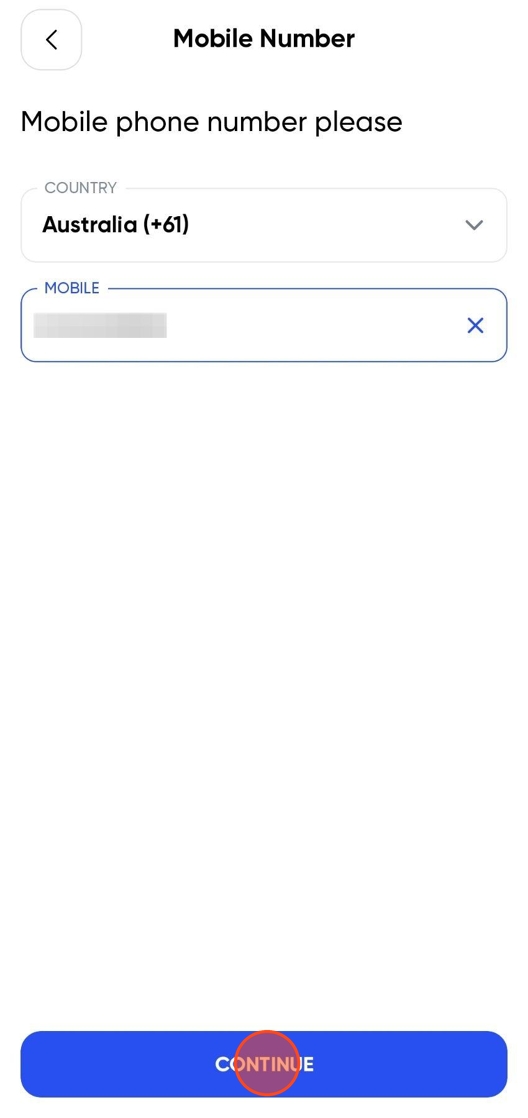
Enter the inherited phone number and tap Continue.
3
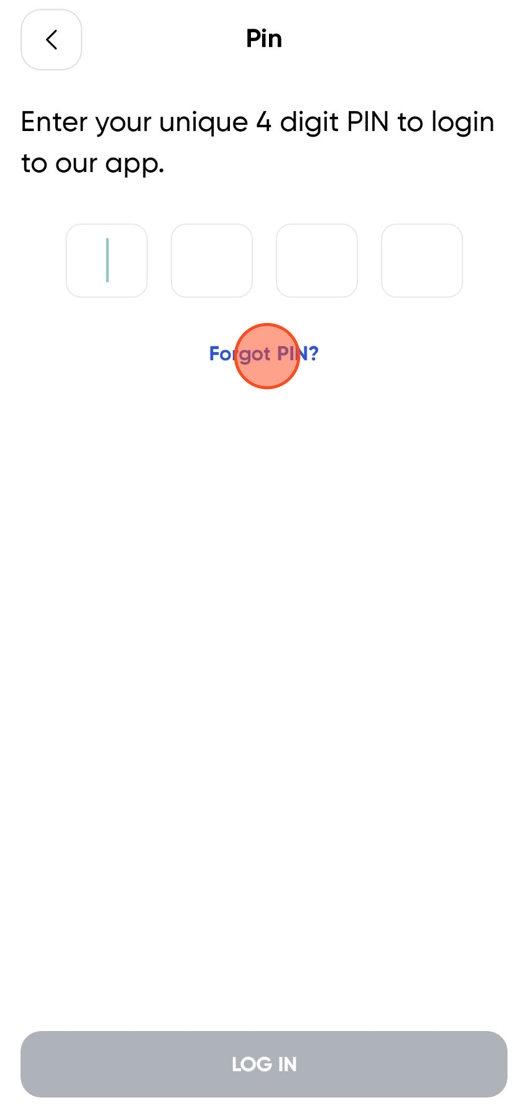
Click Forgot PIN.
4
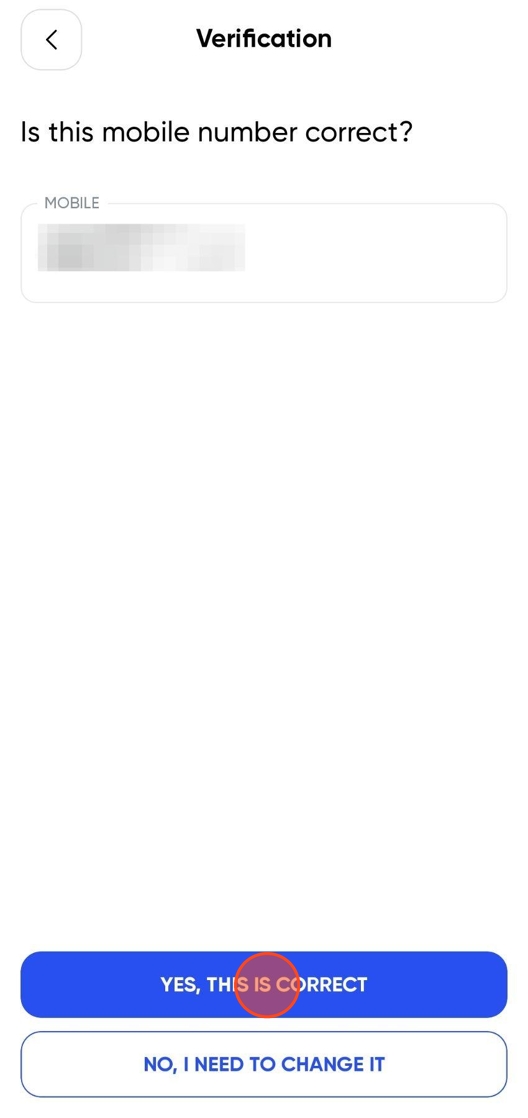
Confirm the number, then tap Yes This Is Correct.
5
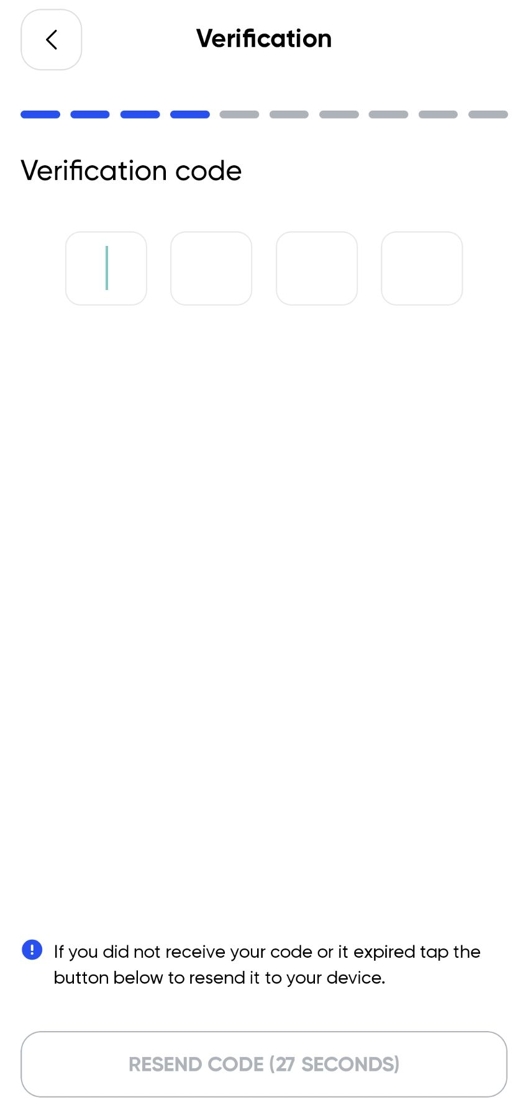
Wait for the SMS.
6
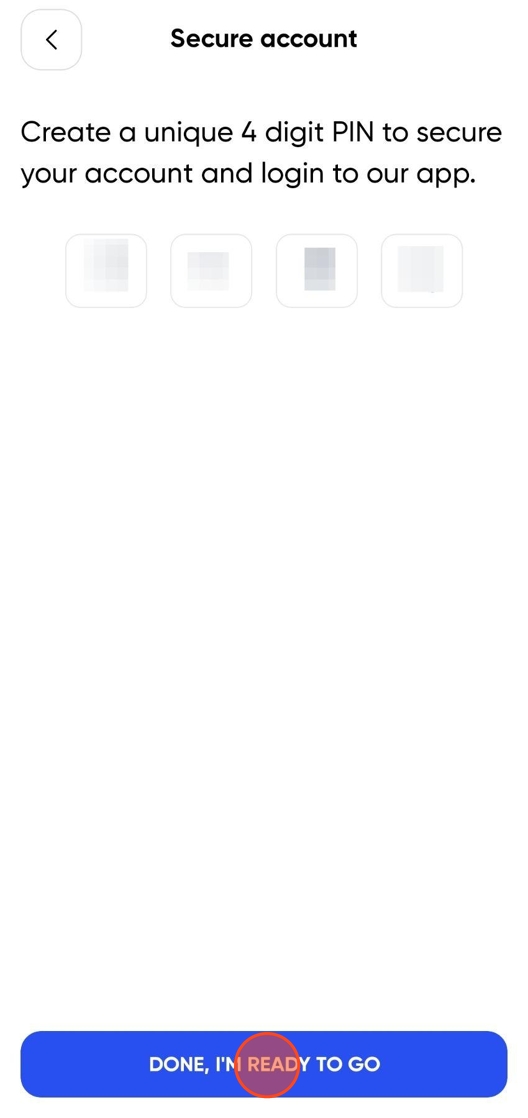
Type in a new PIN.
Deleting a Profile
7
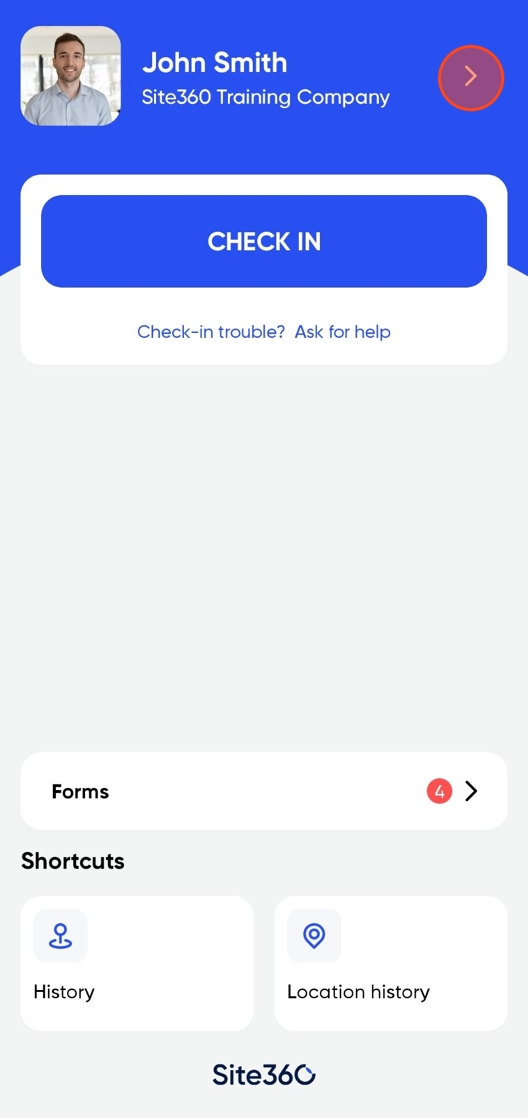
Click the Profile banner.
8
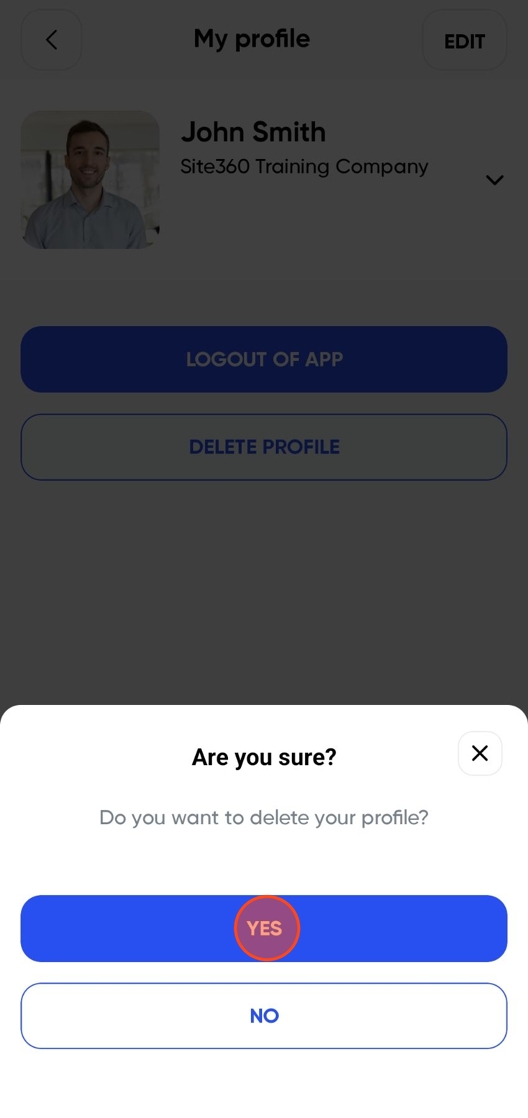
Click on the Delete Profile button.

9
Tap Yes.
10
Proceed with a new user.

Still need a hand?
Reach out to the Site360 Support team and we'll get you sorted.
Was this article helpful?
That’s Great!
Thank you for your feedback
Sorry! We couldn't be helpful
Thank you for your feedback
Feedback sent
We appreciate your effort and will try to fix the article