Finding and Resending a Visit EWAF
1
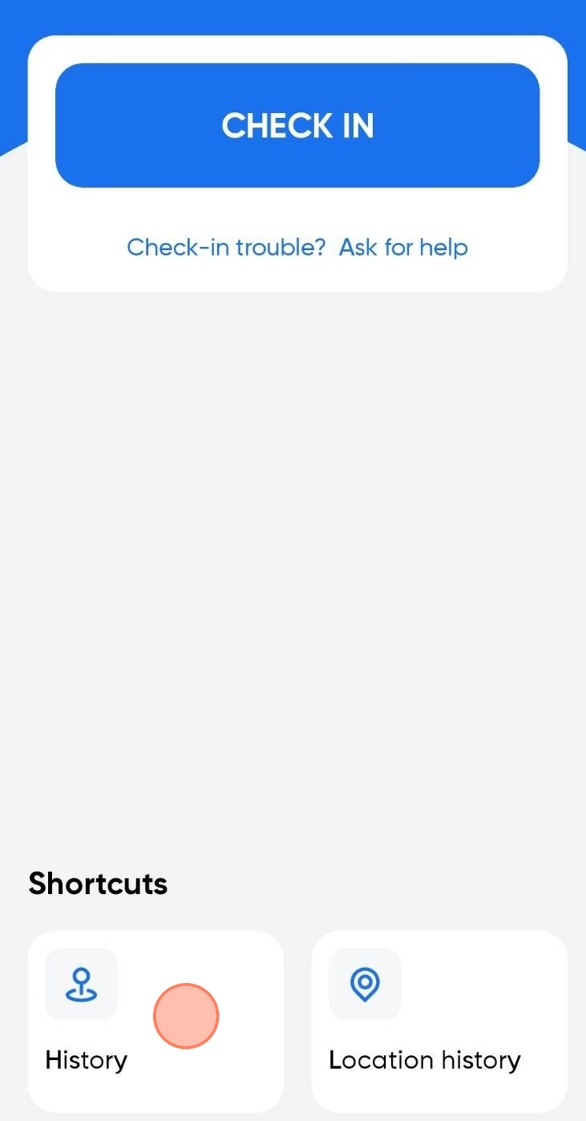
Click on History.
2
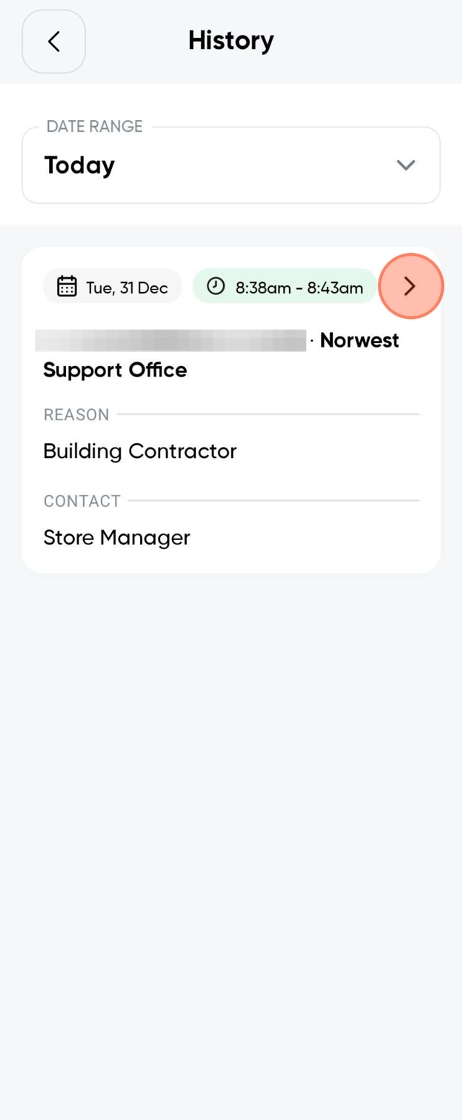
You might need to adjust the date range to locate the visit. Once you find it, tap on it.
3
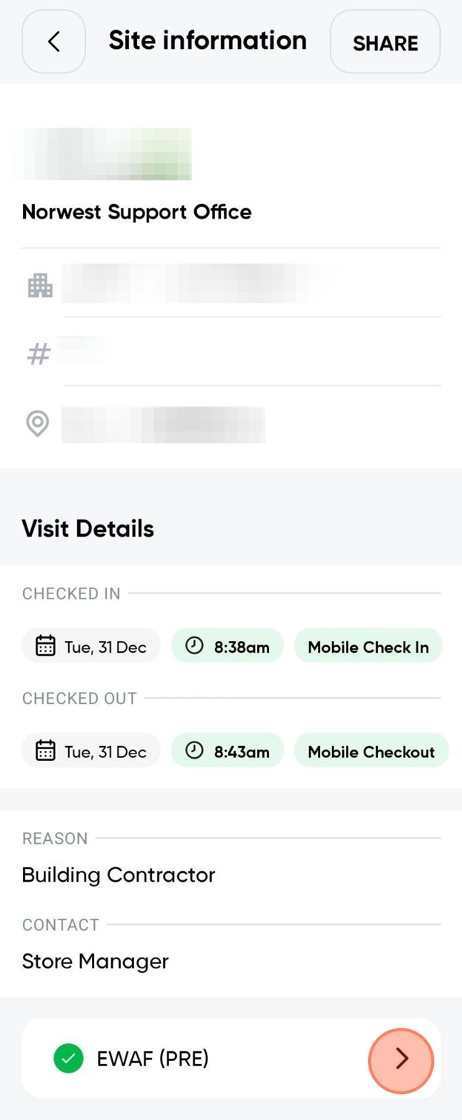
Scroll to the bottom of the Site Information and you should find an EWAF. Tap on it.
4
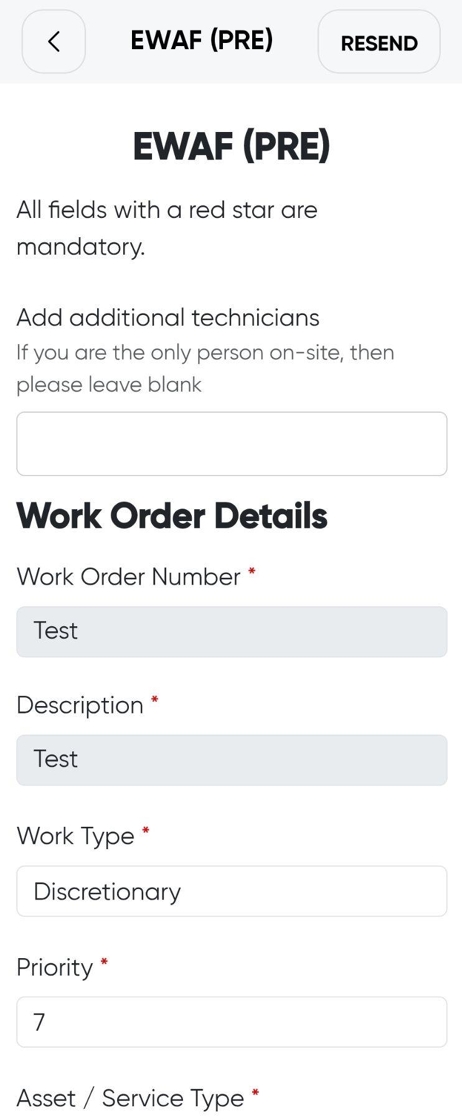
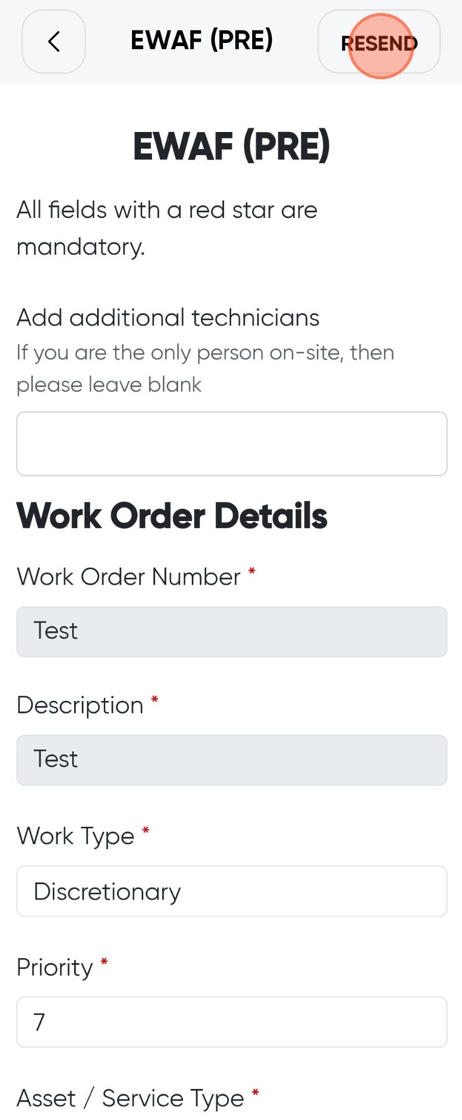
Here is your visit EWAF.
!
Tip: if you would like to resend it to your email, continue to the next step.
5
Click on Resend.
6
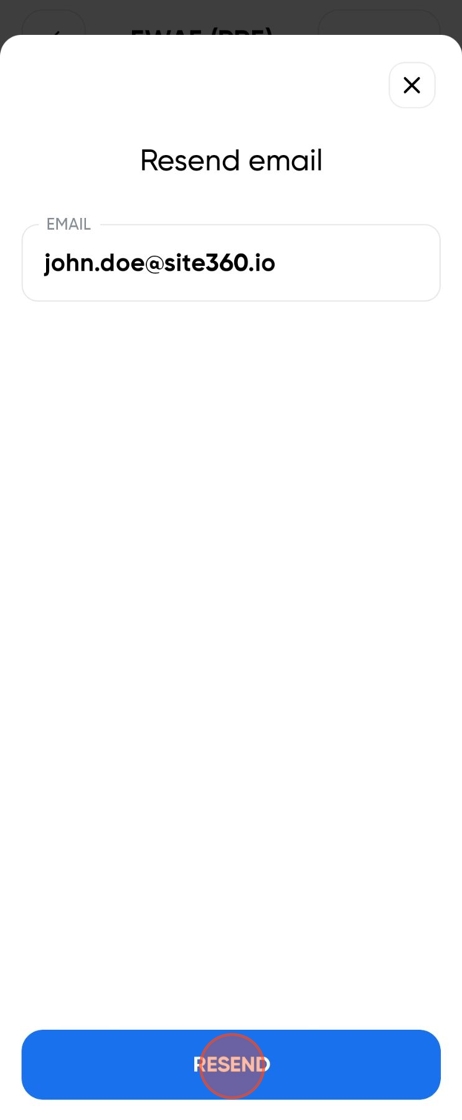
Your account's email should pop up into the Email field.
!
Tip: by adding a comma, you can email it to multiple people.
7
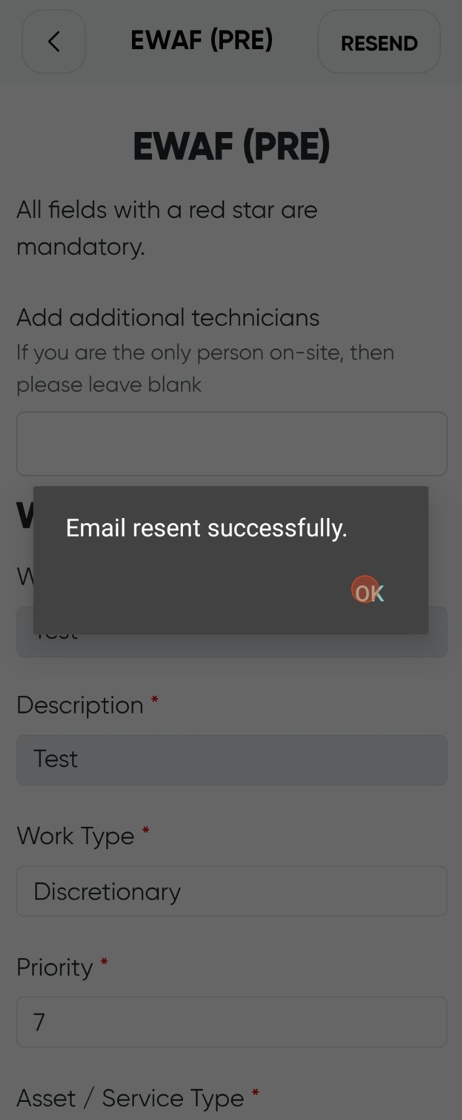
Click on OK.
Still need a hand?
Reach out to the Site360 Support team and we'll get you sorted.
Was this article helpful?
That’s Great!
Thank you for your feedback
Sorry! We couldn't be helpful
Thank you for your feedback
Feedback sent
We appreciate your effort and will try to fix the article