Checking In and Completing Your EWAF
1
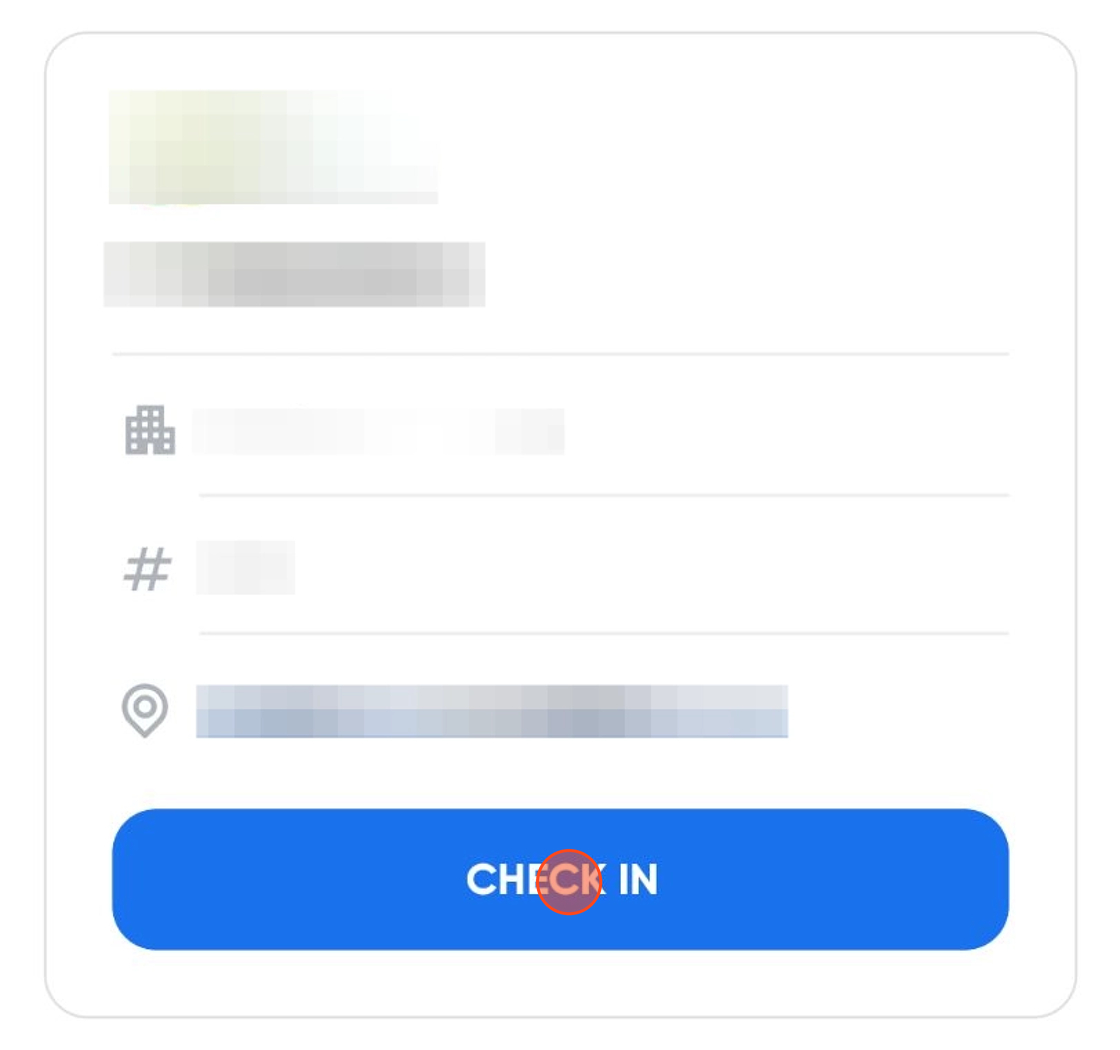
Click on Check In.

2
Find the site and click Check in.
3
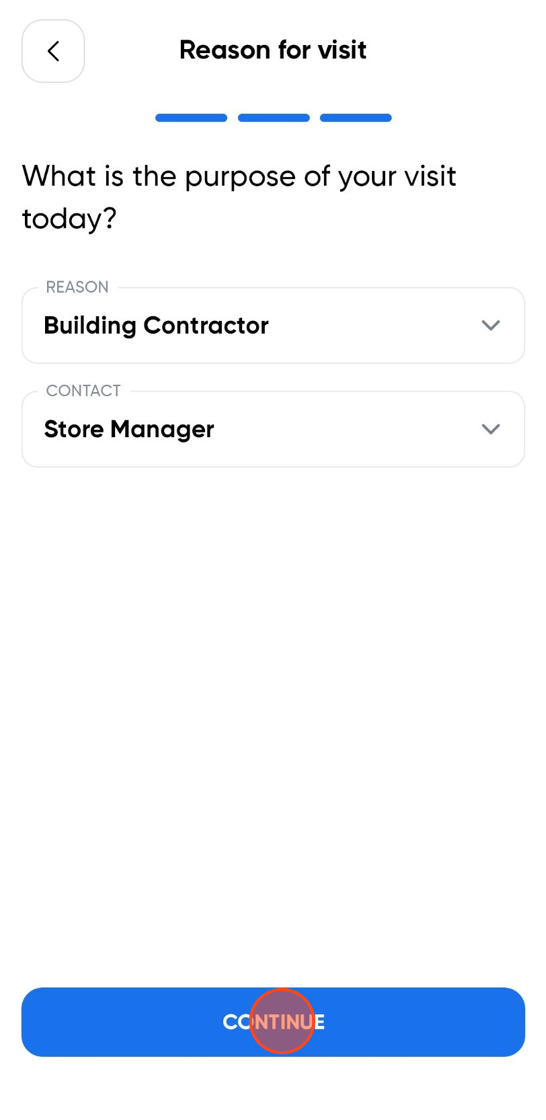
Select your Reason for visit.
4
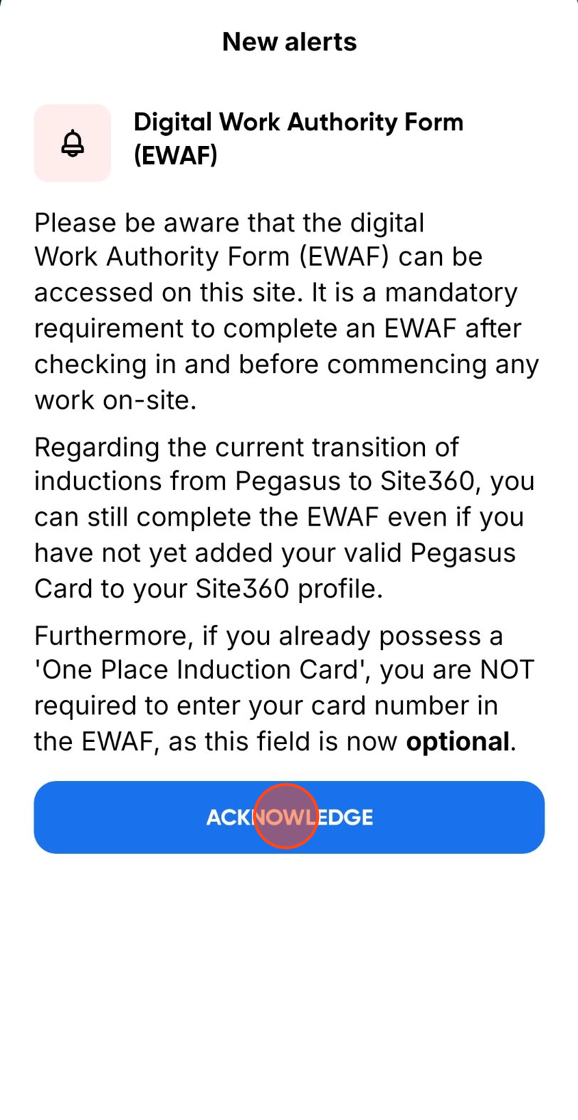
You will see that there is an EWAF alert.
5
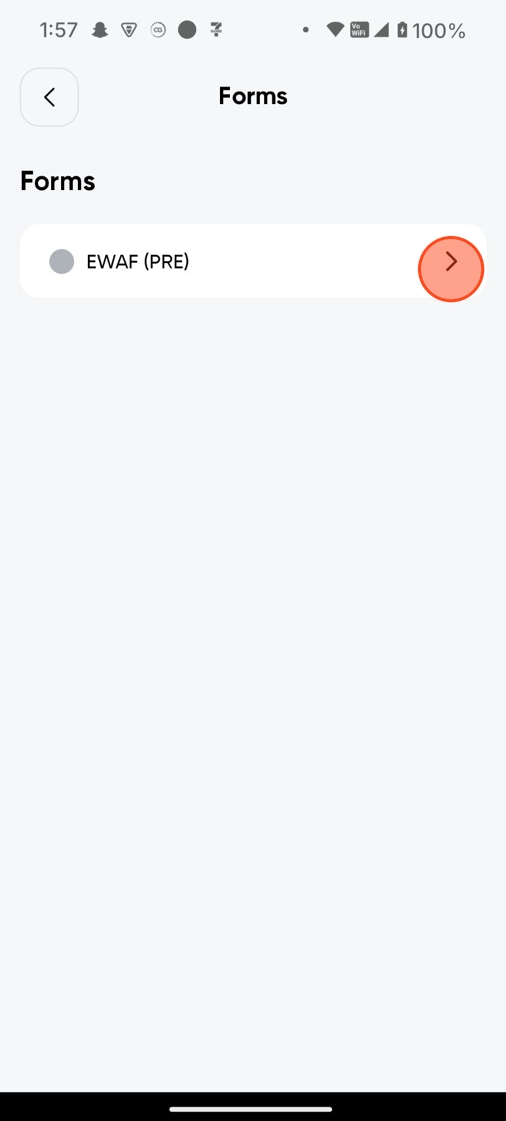
The EWAF can be found under Forms.

6
Click into Forms and select EWAF.
!
Alert: make sure that before checking out of the app, you complete EWAF (POST).
Still need a hand?
Reach out to the Site360 Support team and we'll get you sorted.
Was this article helpful?
That’s Great!
Thank you for your feedback
Sorry! We couldn't be helpful
Thank you for your feedback
Feedback sent
We appreciate your effort and will try to fix the article