Step 1
Click your profile

Step 2
Click "Logout Of App"

Step 3
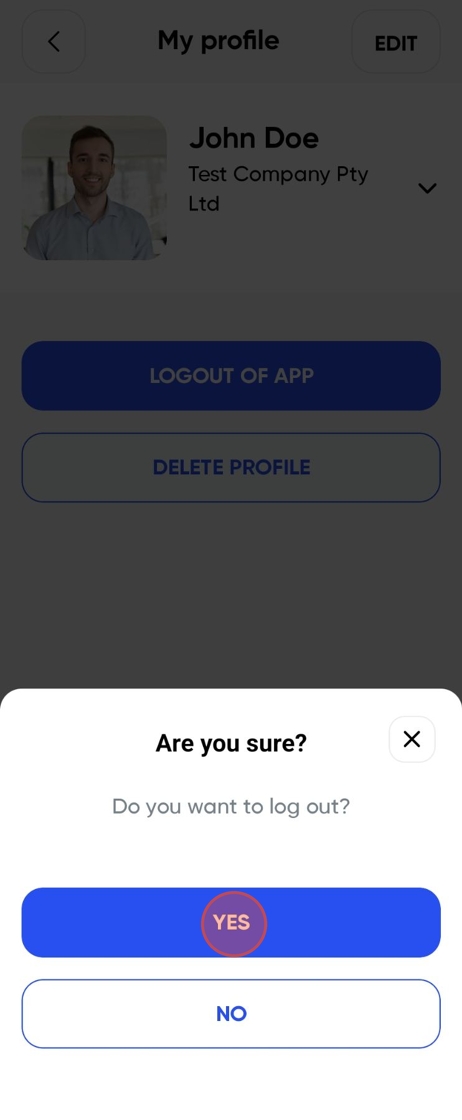
Click "Yes"
Step 4
Click "Log In"

Step 5
Type in your phone number and select "Continue"

Step 6
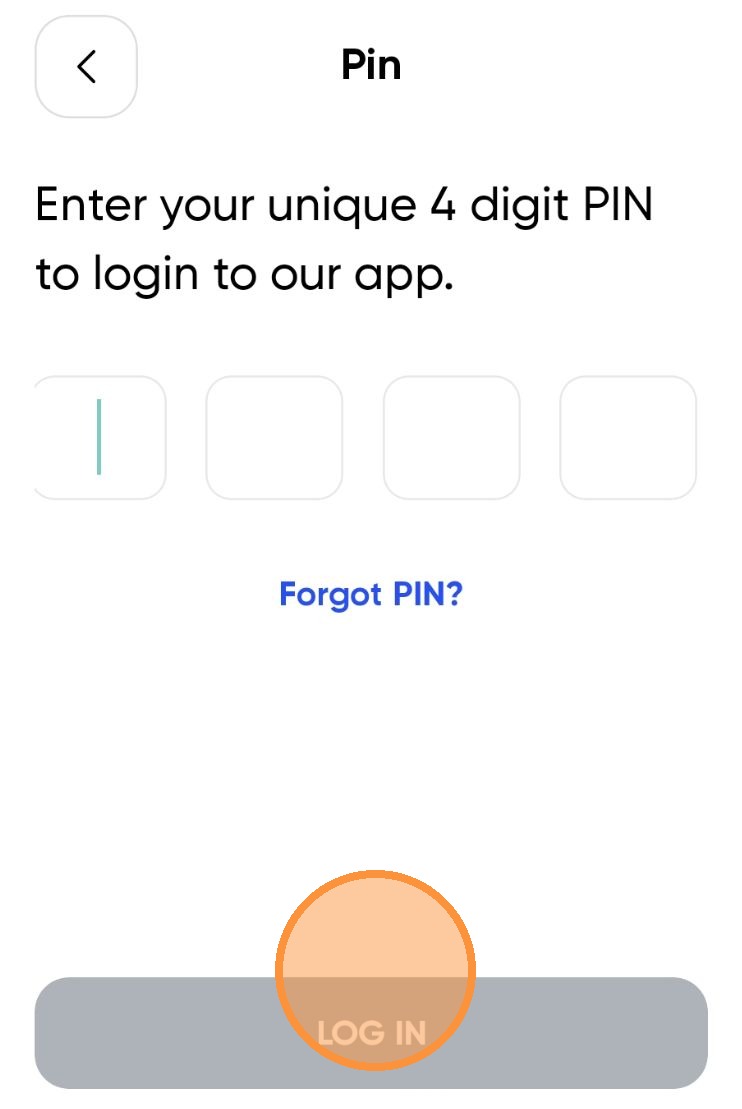
Enter your Pin and tap "LOG IN"
Step 7
You have successfully changed the pin

Was this article helpful?
That’s Great!
Thank you for your feedback
Sorry! We couldn't be helpful
Thank you for your feedback
Feedback sent
We appreciate your effort and will try to fix the article