Removing a Company
1
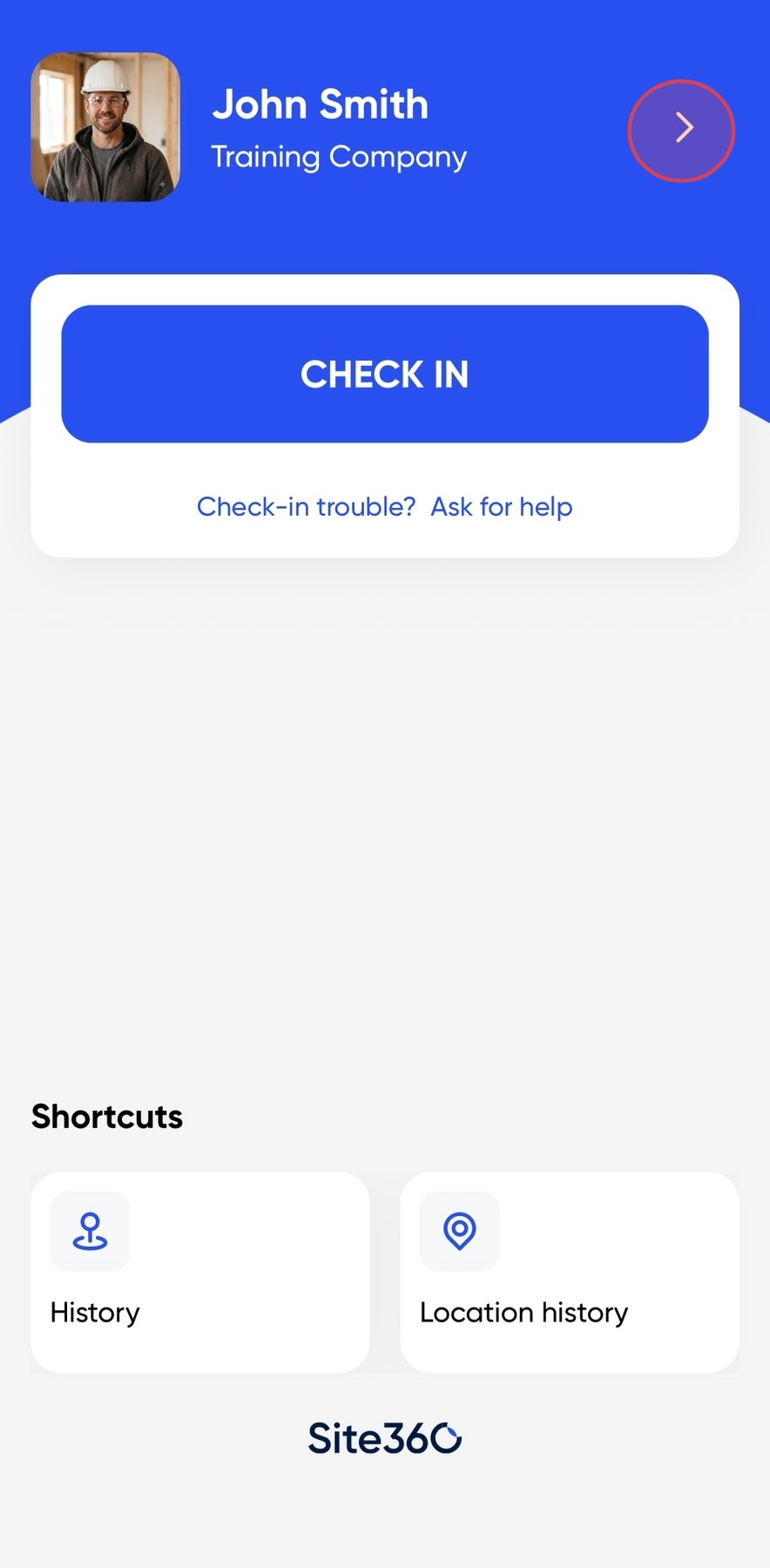
Open your app to the home screen and click on the arrow in the top right corner.
2
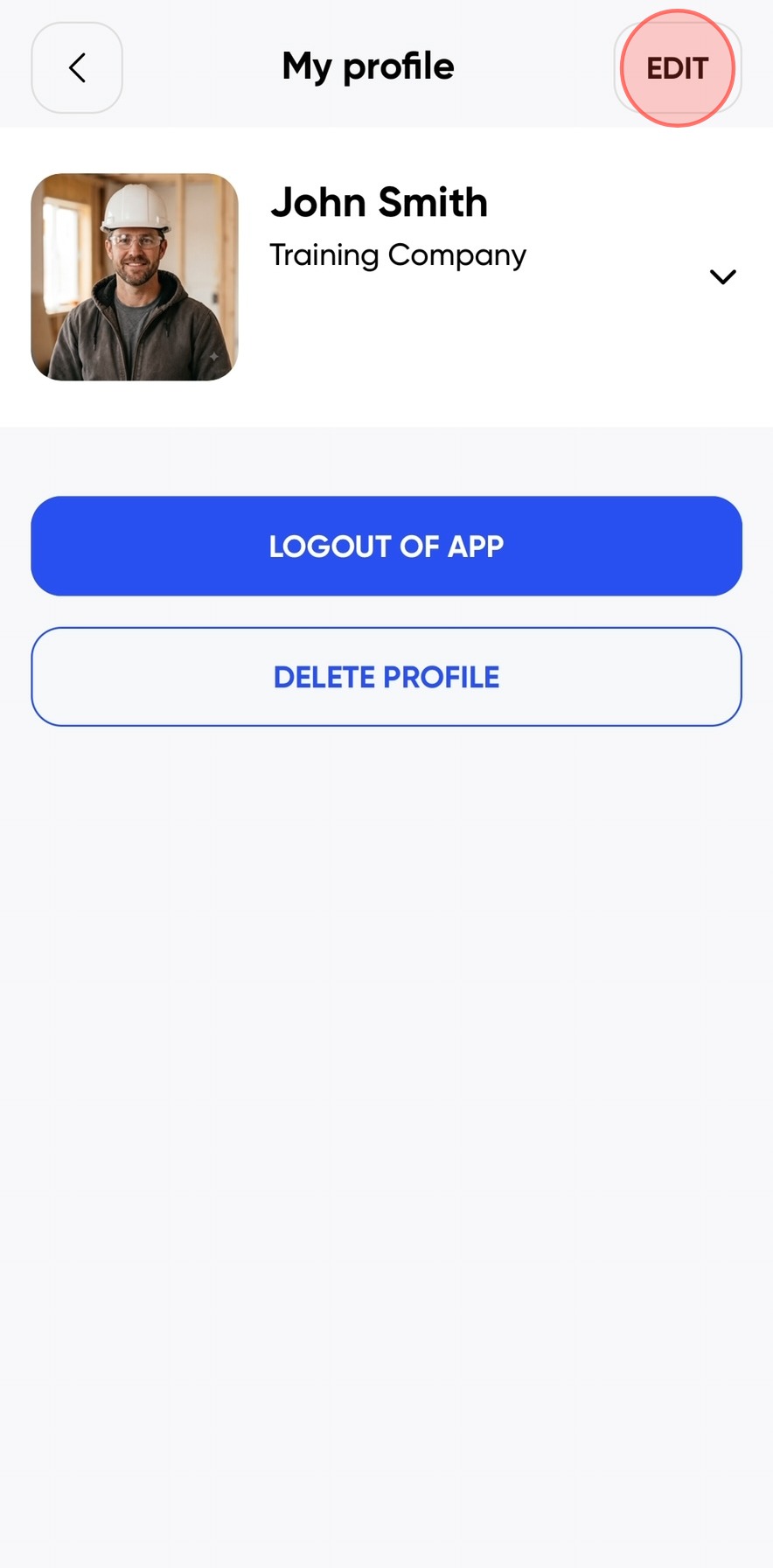
Click Edit in the top right corner.
3
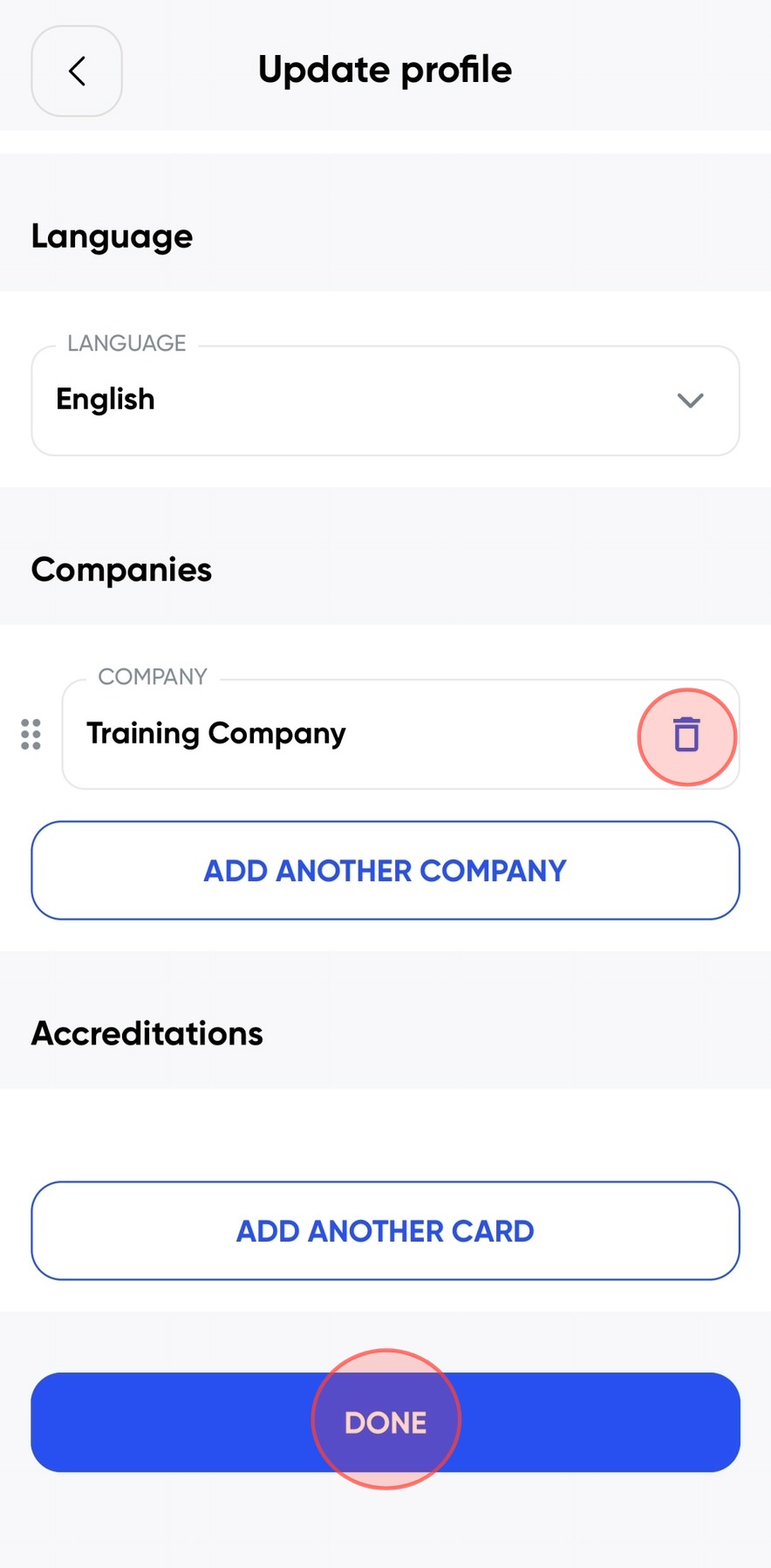
Scroll to the bottom of the page until you see Companies. To remove a company, click on the bin icon next to the company name. Once you have removed the company, click Done.
4
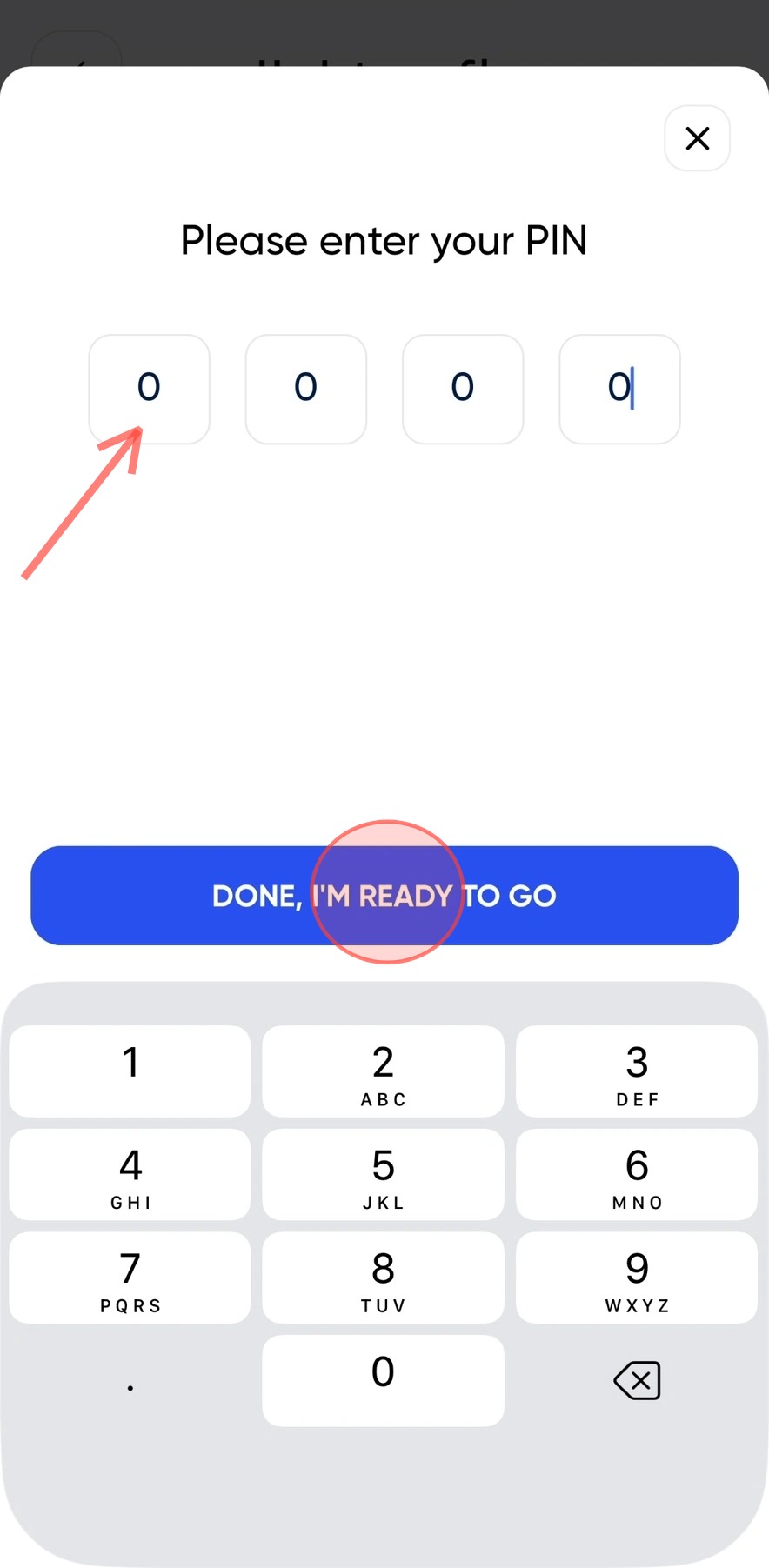
To finalize the update, enter your PIN and click Done, I'm ready to go.
!
Please note: this PIN is only an example — you will need to enter your own PIN.
Still need a hand?
Reach out to the Site360 Support team and we'll get you sorted.
Was this article helpful?
That’s Great!
Thank you for your feedback
Sorry! We couldn't be helpful
Thank you for your feedback
Feedback sent
We appreciate your effort and will try to fix the article